How to Use
Step-by-step Session / TData export guide.
Screenshots: docs/public/screenshots/session-export/
Step 0: Site sign-in
Open session.xiaomutou.top. If signed out, enter your auth code on the gate page:
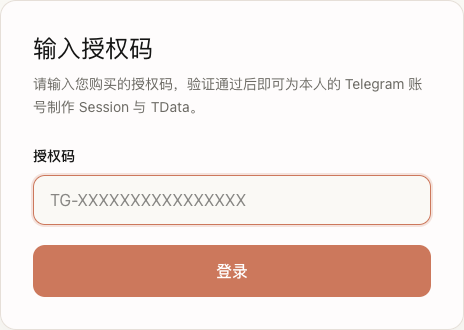
- Format:
TG-XXXXXXXXXXXXXXXX - Header shows Uses remaining X / Y times after success
- Switch to Format Convert tab without signing in again — Auth code & quota
Step 1: Choose login method
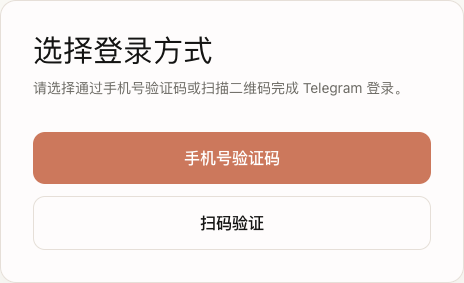
- Phone verification or QR scan
- Disabled when remaining uses = 0
Path A: Phone
Step 2A: Phone number
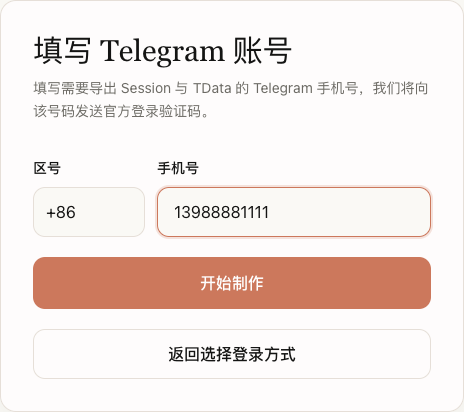 — country code + number → Start build
Step 3A: Telegram code

Step 4A (optional): 2FA

Path B: QR
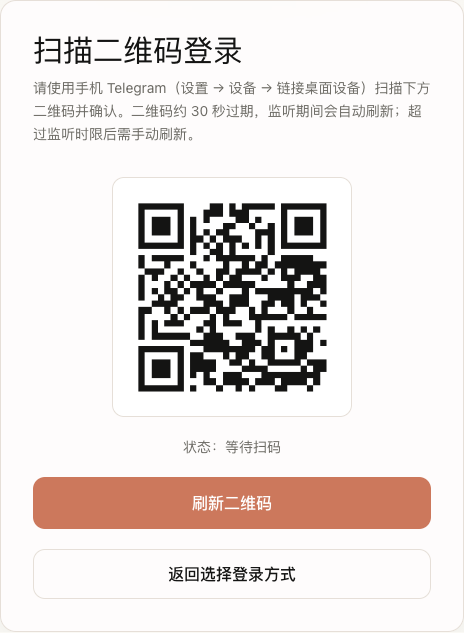 — Settings → Devices → Link desktop device. QR expires ~30s; refresh if timeout.
Step 5: Building
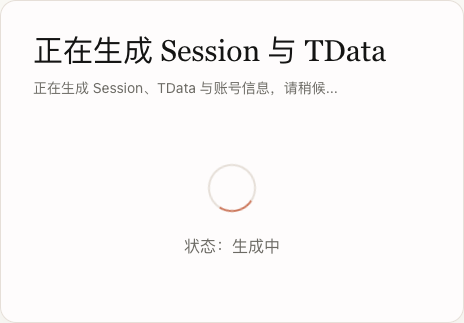 — wait; failures do not deduct quota.
Step 6: Download
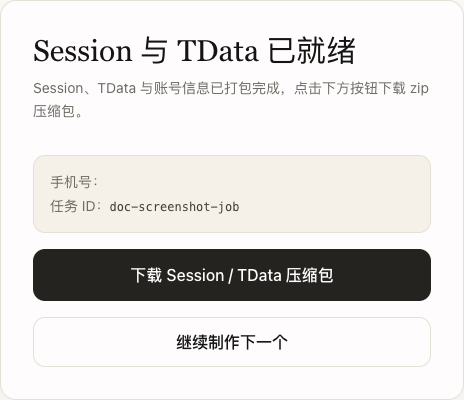
ZIP name e.g. 8613988881111.zip with session.txt, account.json, tdata/. Success deducts 1 use.
FAQ
| Issue | Action |
|---|---|
| Invalid / expired code | Contact support |
| 0 uses left | Buy new code |
| Wrong code | Check Telegram official message |
| QR timeout | Refresh QR |
See Glossary, Auth code & quota.